How to Create Short URLs Without an Account (2025 Guide)
In the fast-paced digital world of 2025, speed and efficiency are everything. Whether you're sharing a link on social media, sending a quick resource to a colleague, or tidying up a messy URL for a text message, you often need a simple solution: a short link, right now. You don't want to fill out a registration form, verify your email, set up a password, and navigate a complex dashboard just to shrink a single web address. This is where the ability to create short URLs without an account becomes a game-changer.
For years, the URL shortening landscape was dominated by giants that increasingly locked features behind paywalls and mandatory sign-ups. But a shift has occurred. Users are demanding more privacy, less friction, and immediate results. This comprehensive guide will walk you through why no-account URL shorteners are the superior choice for many users, how to use them effectively, and why services like LinkShrink are leading the charge in this user-first revolution.
The Friction of Mandatory Accounts
We've all been there. You find the perfect article or video to share, copy the mile-long URL, and head to a popular shortening service. You paste the link, hit "Shorten," and instead of your result, you're greeted with a popup: "Sign up for free to get your link!"
It's a frustrating bait-and-switch. What should be a two-second task turns into a five-minute ordeal of data entry and inbox management. This friction isn't just annoying; it's a barrier to sharing information. Mandatory accounts create several pain points:
- Privacy Concerns: creating an account often means handing over your email, name, and potentially other personal data. For a simple utility service, this trade-off feels increasingly unbalanced.
- Inbox Clutter: Sign-ups invariably lead to newsletters, promotional emails, and "onboarding" sequences that clog your inbox.
- Password Fatigue: Managing yet another set of credentials for a tool you might use once a month is a security risk and a mental burden.
- Time Waste: The cumulative time spent logging in, dealing with 2FA, or navigating dashboards adds up.
This is why the search volume for terms like "create short URLs without account" has skyrocketed. Users want utilities that act like utilities—simple, available, and frictionless.
Why No-Account Shorteners Matter
The rise of no-account URL shorteners represents a return to the foundational philosophy of the web: openness and ease of use. These tools strip away the bloat and focus entirely on the core function: taking a long string of characters and turning it into a short, manageable one.
Instant Gratification
The primary benefit is speed. With a no-account service, the workflow is: Open Site -> Paste Link -> Copy Result. That's it. There are no intermediate steps. This immediacy is crucial for live chatting, tweeting during events, or quick professional communication.
Enhanced Privacy
When you don't create an account, there's inherently less personal data being stored. While the service still handles your link data (which is necessary for the redirect to work), your personal identity isn't tied to it. For privacy-conscious users, this separation is a significant advantage.
Accessibility
No-account services are accessible to anyone with an internet connection. There are no barriers to entry—no credit cards, no "free trial" traps, and no geographic restrictions based on billing addresses.
Step-by-Step Guide: Using LinkShrink
Let's look at how easy it is to create short URLs without an account using a modern tool like LinkShrink.biz. We've designed our platform to be the epitome of "plug and play."
Step 1: Navigate to the Homepage
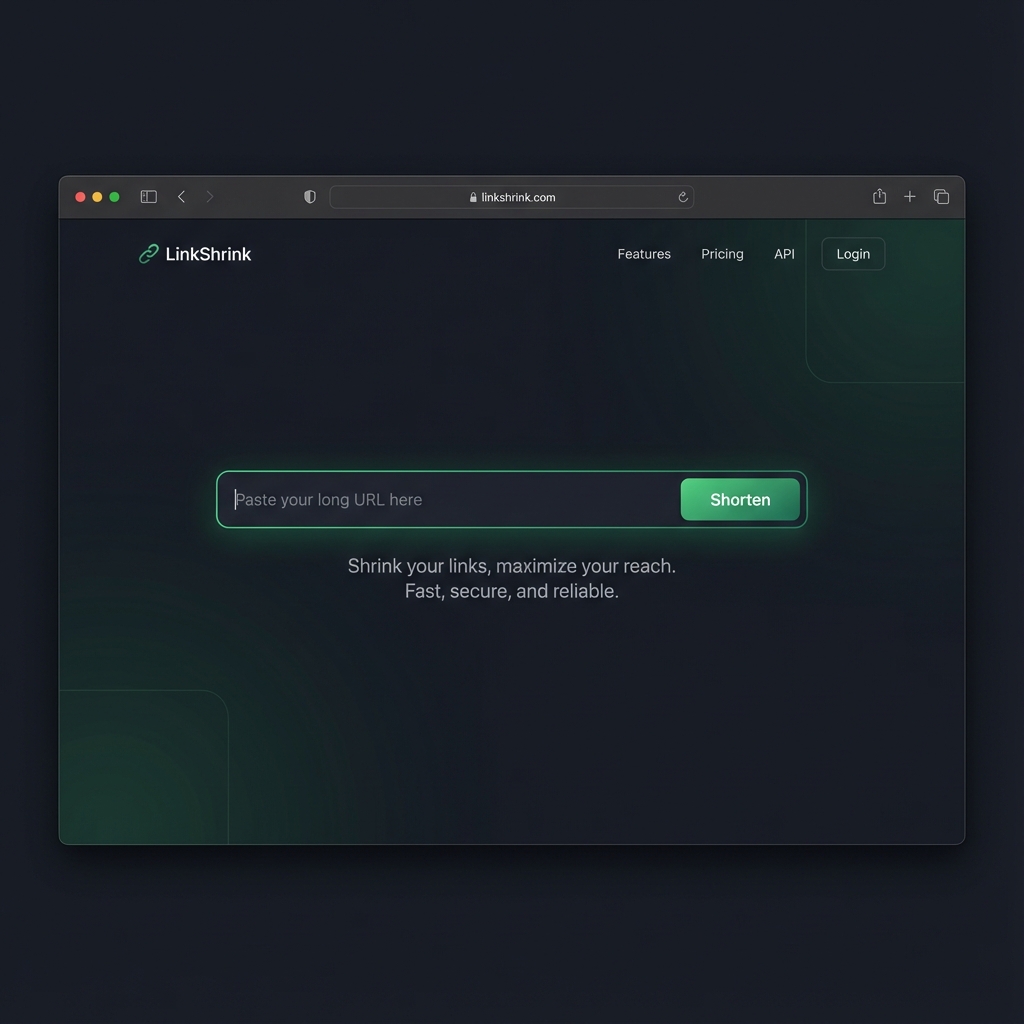
First, simply open your browser and go to LinkShrink.biz. You'll be greeted by a clean, distraction-free interface. We believe the tool should get out of your way.
The LinkShrink homepage features a clean, dark-mode design focused entirely on the input field.
Step 2: Paste Your Long URL
Copy the long URL you want to shorten from your browser's address bar. This could be a deep link to a product page, a specific timestamp in a YouTube video, or a complex Google Doc link.
Paste it directly into the large input box that says "Paste your long URL here". There's no need to look for hidden buttons or navigate menus. The input field is the center of the universe here.
Step 3: (Optional) Customize Your Alias
One of the unique features LinkShrink offers without an account is the ability to create a custom alias. Instead of a random string like linkshrink.biz/x7z9Aa, you can type in something memorable like linkshrink.biz/summer-sale-25.
This is vital for trust. Users are more likely to click a link that describes its destination. Most competitors lock this feature behind a "Pro" plan, but we believe it's a fundamental part of a good URL.
Step 4: Click Shorten
Hit the prominent "Shorten" button. The process is instantaneous. Our backend systems process your request, generate the record, and return your new link in milliseconds.
Step 5: Copy and Share
You will immediately see your result page. Your new short URL is highlighted and ready to go.
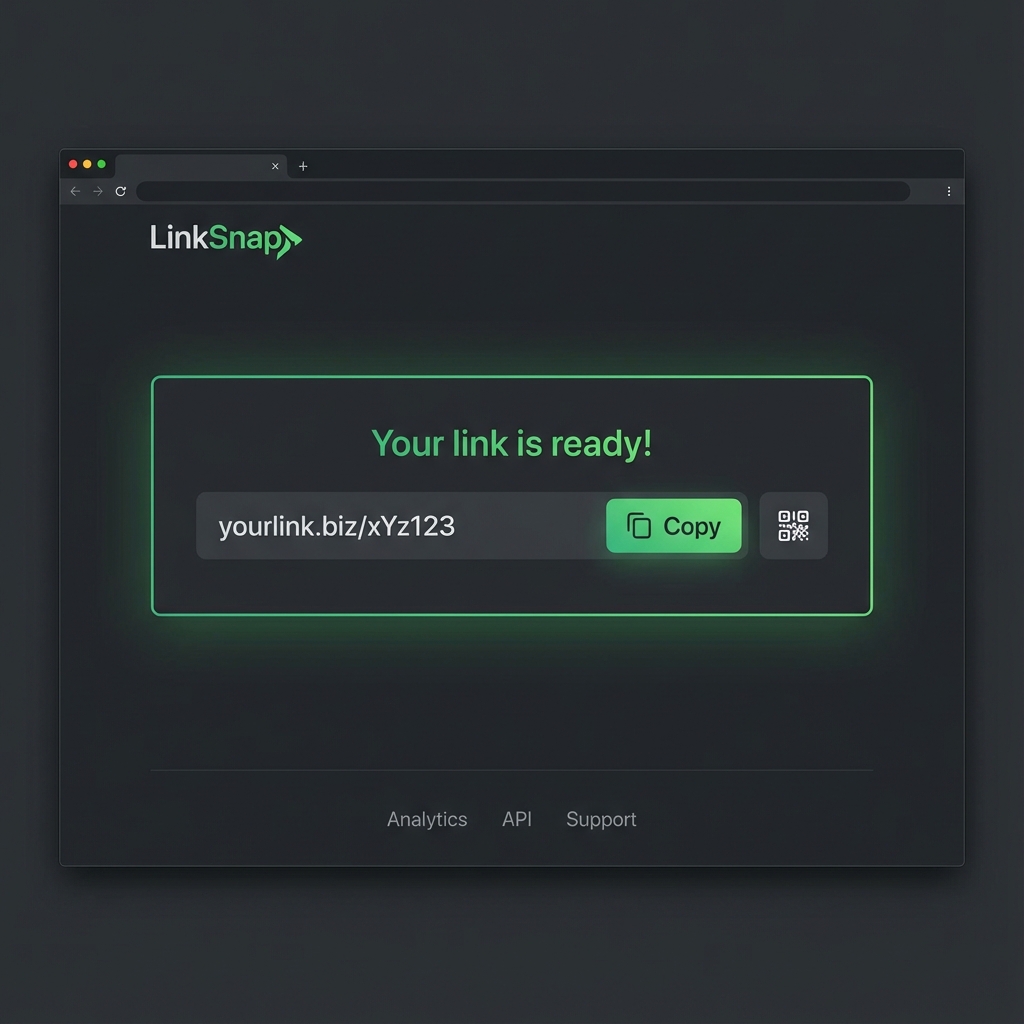 Success! Your shortened link is ready to copy and includes a QR code for mobile sharing.
You can simply click the "Copy" button to save it to your clipboard. We also generate a QR code automatically, which is perfect if you're creating print materials or want to share a desktop link to a mobile user nearby.
Comparison: Account-Based vs. No-Account Services
To help you decide which type of service is right for you, let's compare the traditional account-based model (like Bitly or TinyURL's paid tiers) with the modern no-account approach (LinkShrink).
| Feature | Account-Based Services | No-Account Services (LinkShrink) |
|---|---|---|
| Speed | Slow (Login/Signup required) | Instant |
| Privacy | Low (Personal data required) | High (No personal data collected) |
| Cost | Freemium / Paid | 100% Free |
| Custom Aliases | Usually Paid | Free |
| Analytics | detailed Dashboard | Basic / None (in exchange for privacy) |
| Link Management | Edit/Delete options | Permanent (typically) |
| QR Codes | Often Paid | Free |
As you can see, unless you need detailed enterprise-grade analytics (like tracking the exact GPS location of your clickers) or the ability to edit the destination of a link after it's been created, the no-account model is superior for everyday use. It offers 90% of the value with 0% of the friction.
Use Cases for Quick URL Shortening
When is it best to use a no-account shortener? Here are some optimal scenarios:
1. Social Media Sharing
Twitter (X), LinkedIn, and Facebook posts look cleaner with short URLs. They save character count (crucial for Twitter) and leave more room for your actual message. A custom alias like linkshrink.biz/new-post also increases click-through rates (CTR) compared to a generic link.
2. Printed Media & QR Codes
If you're printing a flyer, business card, or poster, you cannot use a 50-character URL. No one will type that in. Using LinkShrink to generate a short, memorable URL or a QR code makes your physical media actionable.
3. SMS and Messaging Apps
Long URLs often break when sent via SMS, splitting into multiple lines and becoming unclickable. A short link ensures the integrity of the hyperlink and looks much tidier in a chat interface like WhatsApp or Telegram.
4. Affiliate Marketing
Affiliate links are notoriously ugly and long, often containing tracking codes that look suspicious to users. Cloaking these links with a clean short URL makes them more presentable and trustworthy.
5. Micro-Influencers and Brand Ambassadors
For influencers who are just starting out, paying $30/month for a link management tool isn't feasible. No-account shorteners allow creators to turn ugly affiliate links into clean, shareable assets like linkshrink.biz/my-outfit instantly. This democratization of tools means anyone can look professional, regardless of their budget.
Advanced Tip: Tracking Without a Dashboard (UTM Parameters)
One valid criticism of no-account shorteners is the lack of analytics. "How do I know if people clicked?"
The secret is that you can still track everything—you just do it at the destination, not the middleman. By using UTM Parameters, you can attach data to your long link before you shorten it.
How to do it:
- Take your destination URL:
https://myshop.com/product - Use a free UTM builder to add tags:
https://myshop.com/product?utm_source=twitter&utm_medium=social&utm_campaign=summer_sale - Paste that long, ugly URL into LinkShrink.
- Get your short link:
linkshrink.biz/summer-sale
Now, when users click your short link, they are redirected to the long URL with the tracking tags intact. You can view all your clicks, sources, and conversions directly in Google Analytics or your website's dashboard, completely bypassing the need for a URL shortener login. This hybrid approach gives you the speed of a no-account service with the data depth of an enterprise tool.
The Psychological Impact of Short Links
Beyond mere functionality, there is a psychological component to how users interact with URLs. A study on link trust found that users are up to 30% more likely to click a link that is short and branded versus a long, complex string of characters.
Long URLs often look like spam or phishing attempts, especially if they contain random query parameters (e.g., ?id=4829&ref=abc). By "cleaning" your link with a service like LinkShrink, you are signaling professionalism and safety. This is known as "link hygiene," and it is a subtle but powerful factor in digital marketing success. Even without an account, taking the extra five seconds to shorten a link signals to your audience that you care about their experience.
Security Considerations
A common myth is that no-account services are less secure. In reality, security is about the platform's infrastructure, not your login status.
At LinkShrink, we prioritize security for both link creators and clickers:
- HTTPS Everywhere: All links use SSL encryption (HTTPS), ensuring that the connection between the user and our server is secure.
- Malware Scanning: We actively monitor for abuse. Because no-account services can be targets for spammers, we employ automated systems to detect and blacklist URLs linking to known malware or phishing sites.
- Data Minimization: By not collecting your personal data, we cannot leak your personal data. There is no database of user passwords to be hacked because we don't have one.
However, as a user, you should always be aware:
- Link Permanence: Without an account, you typically cannot "delete" a link once made. Ensure you are shortening the correct URL.
- Public Nature: Short links are public. Don't use them to "password protect" sensitive content unless the content itself is password protected at the destination.
FAQ
Q: Can I edit a link after creating it without an account? A: Generally, no. Since there is no account to prove ownership, links are permanent. If you made a mistake, simply create a new short link.
Q: Do these links expire? A: At LinkShrink, our links do not have a set expiration date. They remain active as long as they comply with our terms of service and are not identified as spam.
Q: Is it really free? A: Yes. We are supported by minimal, non-intrusive advertising or premium enterprise tiers, allowing us to keep the core tool free for public use.
Q: How do I create a custom back-half (alias)? A: On the LinkShrink homepage, simply type your desired text in the "Custom Alias" field before clicking shorten. If the name is available, it's yours!
Conclusion
The evolution of the web is trending back towards simplicity. The bloat of forced registrations and paywalls for simple utilities is fading. Learning how to create short URLs without an account puts time back in your day and keeps your digital footprint small.
Whether you are a student, a marketer, or just someone sharing a funny video, services like LinkShrink offer the robust, secure, and instant tools you need. Stop wrestling with login forms and start sharing.
Ready to try it out? Create your first short link now and experience the difference of a frictionless web.
Further Reading: