Understanding URL Redirection: How It Works and Why It Matters
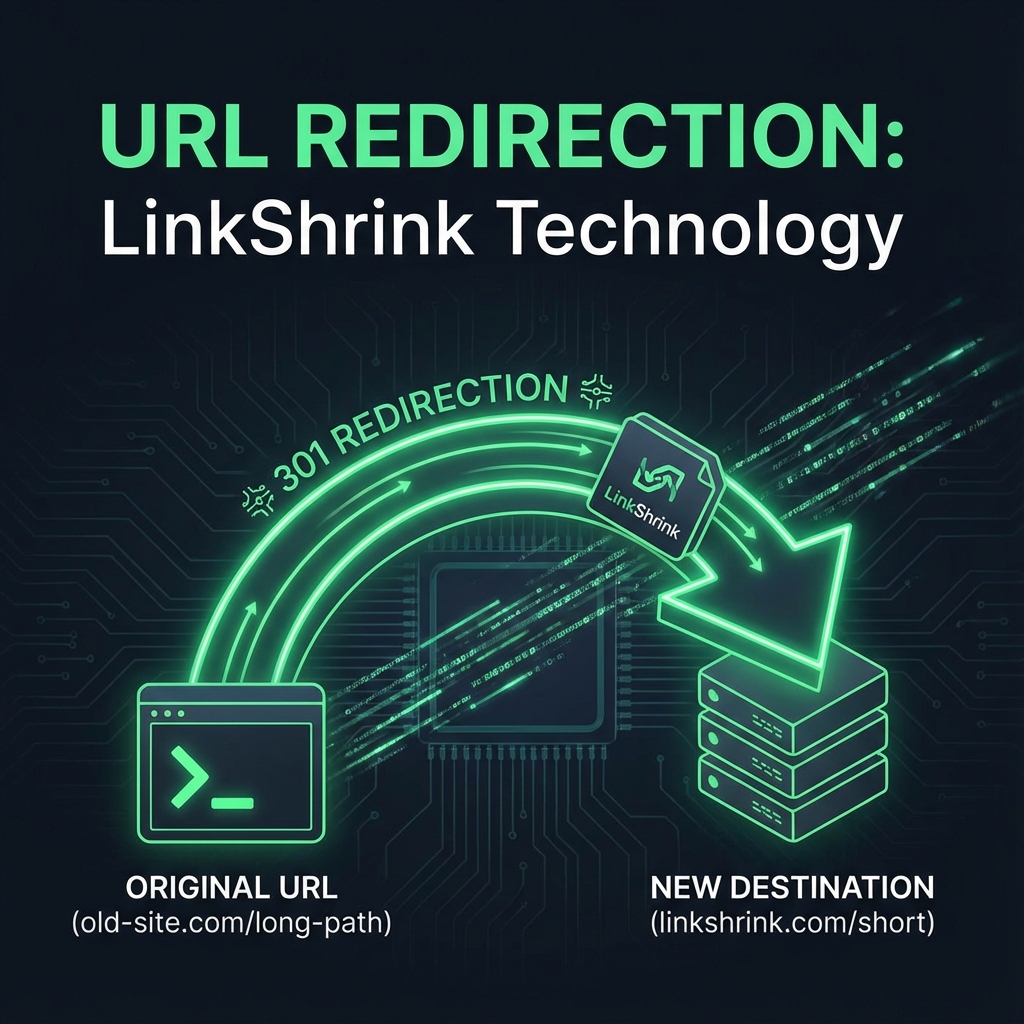
When you click a link on the internet, you expect to arrive at a destination. But often, the journey isn't a straight line. Behind the scenes, a process called URL redirection is constantly at work, guiding your browser from one address to another in the blink of an eye.
For most users, this process is invisible. But for marketers, developers, and anyone improving their SEO, understanding redirection is critical. It is the engine that powers link shorteners like LinkShrink, maintains site authority during migrations, and fixes broken links.
In this guide, we'll break down the mechanics of URL redirection, the different types you'll encounter, and best practices for 2025.
What is URL Redirection?
At its simplest, URL redirection (also known as URL forwarding) is a technique for making a web page available under more than one URL address. When a web browser attempts to open a URL that has been redirected, a page with a different URL is opened instead.
Think of it like a Change of Address form at the post office. You moved houses (changed URLs), but you want your mail (web traffic) to arrive at your new doorstep automatically.
The Role in Link Shortening
Link shorteners rely entirely on redirection. When you create a short link like linkshrink.biz/short, there is no actual content on that page. Instead, the server instantly tells your browser, "Don't stay here; go to example.com/very/long/destination/url."
Types of Redirects: 301 vs. 302
Not all redirects are created equal. The two most common types are defined by their HTTP status codes:
301: Permanent Redirect
A 301 redirect tells search engines that the page has moved permanently.
- Use Case: You have migrated your site from HTTP to HTTPS, or you have moved a blog post to a new slug.
- SEO Impact: extremely positive. It passes between 90-99% of "link juice" (ranking power) to the new URL. Search engines will eventually de-index the old URL and index the new one in its place.
302: Temporary Redirect
A 302 redirect tells search engines that the move is only temporary.
- Use Case: A product is out of stock, and you want to send users to a category page for a few days, or you are A/B testing a new landing page.
- SEO Impact: It does not pass link equity to the new URL. Google keeps the old URL in its index because it expects the original page to return.
LinkShrink typically uses 301 redirects for shortened links because the goal is usually to permanently associate the short alias with the long destination, maximizing the speed and authority passed to your target site. This is a key reason why LinkShrink is a top alternative for users who want reliable linking without complex accounts.
Why is Redirection Important for SEO?
Proper redirection strategy is a pillar of technical SEO. Without it, you risk:
- Link Rot: Broken links (404 errors) frustrate users and signal to Google that your site is neglected.
- Loss of Authority: If you delete a popular page without redirecting it, all the backlinks pointing to it are wasted. a 301 redirect preserves that hard-earned authority.
- Duplicate Content: If your site resolves at both
www.site.comandsite.com, Google might see them as two different sites with identical content. A canonical redirect fixes this.
Best Practices for 2025
- Avoid Redirect Chains: A redirect chain happens when URL A redirects to URL B, which then redirects to URL C. This slows down page load time and dilutes link equity. Aim for a direct path: URL A -> URL C.
- Audit Your Links: Periodically check your short links and internal redirects to ensure they still point to valid destinations.
- Use HTTPS: Modern browsers punish non-secure redirects. Ensure your redirection service supports SSL (like LinkShrink does by default).
Conclusion
URL redirection is the invisible infrastructure of the web. Whether you are using a tool like LinkShrink to make a link shareable or migrating an entire enterprise website, the principles remain the same. By using the right type of redirect, you ensure a seamless user experience and protect your search engine rankings.
For more practical tips on using these tools, check out our guide on how to create short URLs without an account, which leverages this exact technology for instant results.
FAQ
Q: What is the difference between a 301 and 302 redirect? A: A 301 redirect is permanent and passes SEO authority (link juice) to the new URL. A 302 redirect is temporary and does not pass authority.
Q: Does shortening a link affect SEO? A: Generally, no. Since reputable shorteners use 301 permanent redirects, the 'link juice' flows through to the destination site.
Further Reading: